
Ford Key Programming: Complete Locksmith Guide (All Models)
PATS generations, tool compatibility, and all-keys-lost procedures for every Ford on UK roads
Key Takeaways
- Ford uses the Passive Anti-Theft System (PATS) across all models — four generations spanning 1995 to present, each with different programming requirements
- Most 2012+ Fords use PATS Gen 3 or Gen 4 with AES-128 encryption, requiring tools that support the newer security protocols
- All-keys-lost on post-2018 Fords typically requires either the LSID from the BCM or an incode/outcode procedure — no getting around it
- The Autel IM608 Pro II, Lonsdor K518 Pro, and OBDSTAR X300 DP Plus cover the widest range of Ford models via OBD
- Pre-2012 Fords with PATS I or II are straightforward — most mid-range tools handle them without issue
Introduction
Ford is the bread and butter of auto locksmithing in the UK. From Fiestas on suburban driveways to Transits on building sites, you will programme more Ford keys in a year than any other make. The good news: Ford's Passive Anti-Theft System (PATS) is well-documented, well-supported by aftermarket tools, and — once you understand the four generations — predictable.
This guide covers every PATS generation, the tools that handle each one, and the procedures that trip up even experienced locksmiths. Bookmark it. You will come back to it.
Understanding Ford PATS Generations
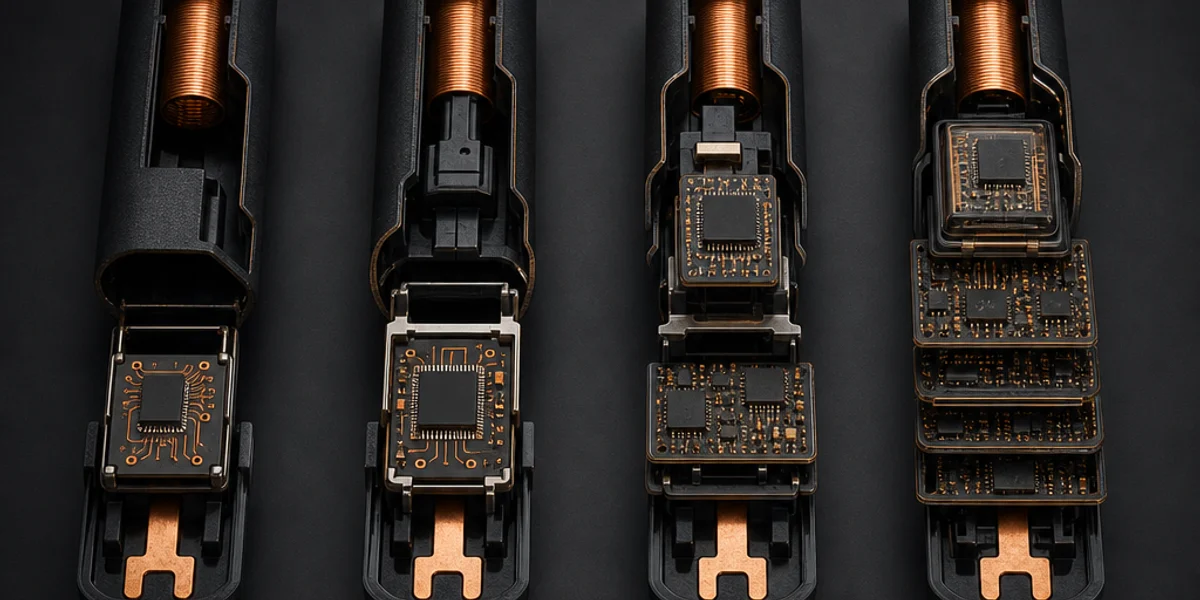
Ford has used four distinct PATS generations since 1995. The generation determines everything: which transponder the key uses, what security protocol the immobiliser expects, and which tools can programme it.
PATS I (1995–2001)
The original system. Found on the Mondeo Mk2, Fiesta Mk4/Mk5, Focus Mk1 (early), Ka Mk1, and Transit Mk5.
- Transponder: Texas Instruments 4C (fixed code)
- Security: No encryption — the transponder ID is read and stored directly
- Key limit: 8 keys maximum
- Programming: Requires two working keys to add a third via the ignition learning procedure. All-keys-lost requires an outcode/incode from the PCM
- Difficulty: Low. Most tools handle this without issue
PATS II (2001–2012)
A significant upgrade. Found on the Focus Mk1.5/Mk2, Fiesta Mk6, Mondeo Mk3/Mk4, C-Max, S-Max, Galaxy, Transit Mk6/Mk7, and Ranger.
- Transponder: Texas Instruments 4D (rolling code, DST40 encryption)
- Security: DST40 challenge-response — the ECU sends a challenge, the transponder must return the correct encrypted response
- Key limit: 8 keys
- Programming: OBD programming supported with compatible tools. All-keys-lost requires the outcode from the PCM (readable via OBD on most tools) or the security code from the vehicle sticker
- Difficulty: Moderate. The DST40 encryption is well-understood and widely supported
PATS Gen 3 (2012–2018)
Found on the Focus Mk3 (facelift), Fiesta Mk7, Kuga Mk2, EcoSport, Transit Custom Mk1, and Transit/Tourneo Connect.
- Transponder: Texas Instruments DST80 or Hitag Pro
- Security: Upgraded encryption with longer key lengths
- Key limit: 8 keys
- Programming: OBD programming with tools that support the newer protocols. All-keys-lost requires LSID (Locksmith ID) from the Body Control Module or an incode/outcode procedure
- Difficulty: Moderate to high. Requires tools with current firmware — older firmware versions will fail silently
PATS Gen 4 (2018–present)
The current generation. Found on the Focus Mk4, Fiesta Mk8, Puma, Kuga Mk3, Transit Custom Mk2, Ranger (current), and Mustang Mach-E.
- Transponder: AES-128 encrypted transponder (Hitag AES or equivalent)
- Security: Full AES-128 encryption with mutual authentication between key and BCM
- Key limit: Typically 8 keys
- Programming: OBD programming with compatible tools only. The BCM must authorise the new key, and the process requires either the LSID or a valid security access procedure
- All-keys-lost: Requires LSID from the BCM (some tools can read it via OBD, others need the physical module) or the incode/outcode procedure via the vehicle's security code
- Difficulty: High. Only top-tier tools with regularly updated firmware handle this reliably
Tool Compatibility
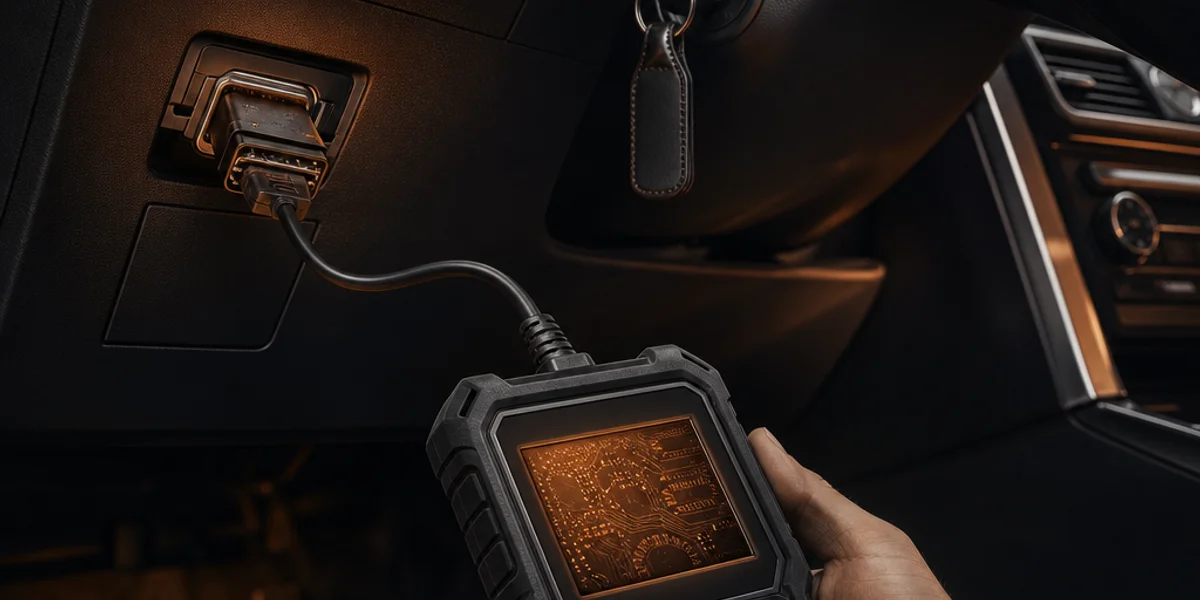
Not every tool handles every generation. Here is what actually works in the field, based on locksmith reports and our compatibility data.
Tier 1 — Full Ford Coverage
These tools cover PATS I through Gen 4, including all-keys-lost on most models:
- Covers all four PATS generations via OBD
- Strong all-keys-lost support on Gen 3 and Gen 4
- LSID reading via OBD on most 2018+ models
- Regular firmware updates for new model coverage
- Investment: premium, but it pays for itself on Ford work alone
- Excellent Ford coverage across all generations
- Competitive all-keys-lost support on Gen 4
- Known for fast key learning times
- Good value relative to the Autel
- Solid coverage from PATS I through Gen 4
- Best value entry point for comprehensive Ford support
- All-keys-lost support on most models, though Gen 4 coverage can lag behind Autel and Lonsdor on firmware updates
- Strong Transit and commercial vehicle support
Tier 2 — Partial Coverage
- Strong on PATS I and II
- Gen 3 coverage is good; Gen 4 is improving with updates
- Excellent key cloning capabilities for older Ford models
- Best used alongside an OBD tool for newer vehicles
Advanced Diagnostics Smart Pro
- Software-based approach — buy Ford-specific modules as needed
- Reliable on the generations it covers
- All-keys-lost support varies by software module
- Predictable per-job licensing model if you prefer that to upfront cost
- Laptop-based solution with Ford-specific licensing
- Strong diagnostic capabilities beyond just key programming
- Good for locksmiths who also do diagnostic work
Tier 3 — Specialist / Older Models
- Covers PATS I and II well
- Limited Gen 3 and Gen 4 support
- Useful if you already own one, but not worth buying specifically for Ford
- Ford module available for key programming
- Works well for specific models but coverage is narrower than the Tier 1 tools
Common Ford Jobs: Step by Step
Spare Key — Ford Focus 2018+ (PATS Gen 4)
The most common Ford key job you will get. The customer has one working key and wants a spare.
- Verify the vehicle — check the VIN plate against the key you have been given
- Identify the key type — proximity (smart key) or blade key with remote
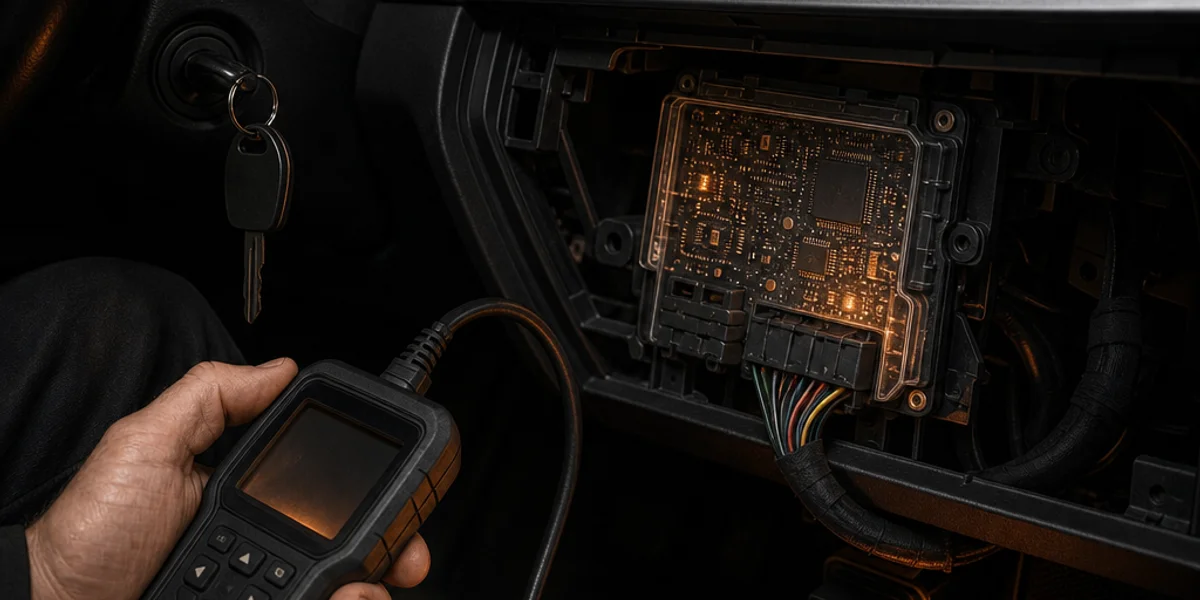
- Connect your tool via OBD (port is under the steering column, left side)
- Read the immobiliser status — confirm how many keys are currently programmed
- Select "Add key" in your tool's Ford menu
- Follow the on-screen procedure — typically involves turning the ignition with the existing key, then presenting the new key
- Test the new key — engine start, remote locking, and proximity unlock if applicable
- Time: 15–20 minutes
All-Keys-Lost — Ford Fiesta 2015 (PATS Gen 3)
The customer has lost all keys. No working key available.
- Confirm vehicle ownership — check the V5C against the customer's ID
- Connect via OBD
- Read the LSID from the BCM (your tool should support this — if not, you will need the security code from a Ford dealer or the vehicle's original paperwork)
- Clear the existing key data from the immobiliser
- Programme the new key using the LSID for security access
- Programme a second key if the customer wants a spare (recommended — saves them calling you again)
- Test thoroughly — engine start, remote functions, immobiliser re-arm after locking
- Time: 30–45 minutes
Spare Key — Ford Transit 2016 (PATS Gen 3)
Transit vans are a bread-and-butter job. The process is similar to a car, with a few Transit-specific notes.
- The OBD port on Transits is usually behind a removable panel below the steering column — it can be harder to find than on cars
- Transit keys are typically blade keys with integrated remotes (not proximity)
- Follow the standard add-key procedure via OBD
- Test the key in the ignition, remote locking, and — importantly — the side sliding door if the van has one (some Transits have separate remote channels for the cargo area)
- Time: 15–25 minutes
Common Pitfalls
"Key learnt successfully" but the engine will not start This usually means the transponder was registered to the immobiliser but the ECU did not receive the update. Cycle the ignition off and back on, wait 10 seconds, then try again. If it persists, clear all keys and reprogramme from scratch.
Firmware version too old for the vehicle PATS Gen 4 vehicles are particularly sensitive to this. If your tool does not recognise the vehicle or fails during security access, check for firmware updates before troubleshooting anything else. This accounts for roughly a third of failed Ford jobs reported on locksmith forums.
LSID reading fails on all-keys-lost Some BCMs (particularly on 2019–2020 Focus Mk4 and Puma) have a known issue where LSID reading via OBD times out on the first attempt. Power cycle the vehicle (disconnect the battery for 30 seconds) and retry. If it still fails, you may need to physically access the BCM — it is behind the glovebox on most models.
Wrong transponder chip Using a 4D chip on a Gen 3 vehicle or a DST80 on a Gen 4 will fail silently — the tool will report success but the key will not start the engine. Always confirm the PATS generation before ordering blanks.
Which Fords You Will See Most
Based on UK registration data and the jobs locksmiths actually get called to, here is where to focus your preparation:
- Ford Fiesta (all generations) — the UK's best-selling car for over a decade. You will programme more Fiesta keys than anything else
- Ford Focus — second most common. The Mk3 to Mk4 transition (2018) is where PATS Gen 3 becomes Gen 4
- Ford Transit / Transit Custom — every tradesman has one. Commercial vehicles mean urgent calls and premium pricing
- Ford Kuga — increasingly common as an SUV choice. Mk2 is Gen 3, Mk3 is Gen 4
- Ford Puma — the newer crossover. All Gen 4
- Ford Ranger — popular pickup. Current model is Gen 4
Summary
Ford key programming is systematic once you understand the four PATS generations. Match the generation to your tool's capabilities, keep your firmware current, and always confirm the transponder type before you start cutting. For most working locksmiths, an Autel IM608 Pro II, Lonsdor K518 Pro, or OBDSTAR X300 DP Plus will cover every Ford you encounter.
Look up any specific Ford model on Keysolved for the exact procedure, transponder specs, and confirmed tool compatibility before you head to the job.
Full database access
Find Your Ford Model
Cancel anytime · Billed monthly
Look up the exact key programming procedure, transponder specs, and compatible tools for any Ford on Keysolved.
No card required to browse — subscribe to unlock full specs and procedures
Frequently Asked Questions
▶Can I programme a Ford key via OBD on all models?
▶What do I need for an all-keys-lost Ford Focus 2018+?
▶Which Ford models use PATS Gen 4?
▶Do I need a pincode for Ford key programming?
▶What is the cheapest tool that covers most Fords?
Full database access
Check Tool Compatibility
Cancel anytime · Billed monthly
See which programming tools support your specific Ford model before you head to the job.
No card required to browse — subscribe to unlock full specs and procedures
Sources
- Ford PATS Technical Overview(2025)— Ford's official technical service portal for PATS documentation and procedures
- Auto Locksmith Magazine — Ford Key Programming Trends(2025)— Industry coverage of Ford immobiliser developments and locksmith tool updates